Social preparedness over MeshCore
Stay in touch.
Be ready.
Talk about what’s happening in town, check in with family, and share updates when the power goes out. Chirp carries short public posts over your local MeshCore radio network.


Use cases
Local talk.
Family check-ins.
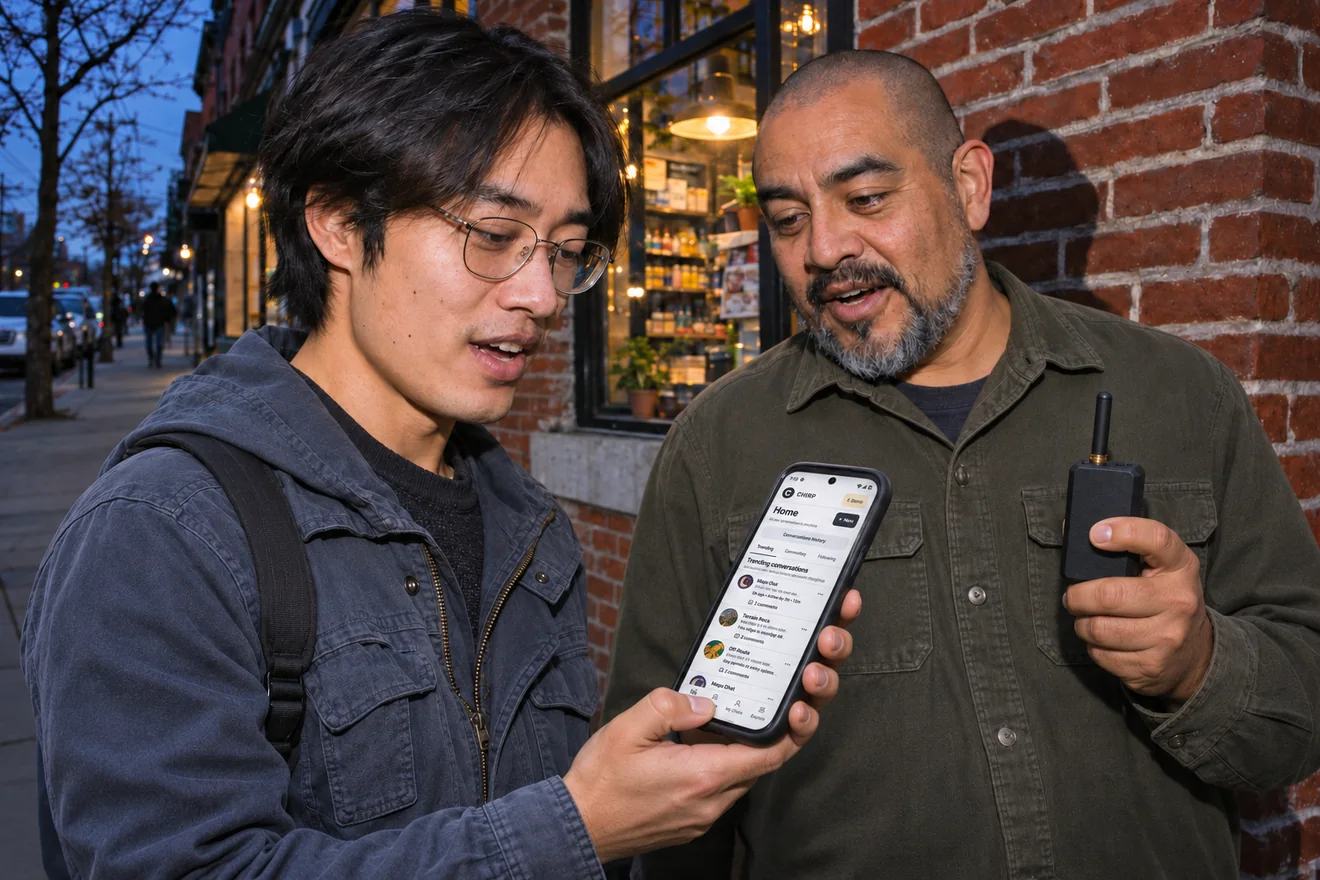
Talk local music, swap event tips, and get in the habit of checking in. When the grid goes down, you’ll already know how to reach people on your mesh.
Family check-ins
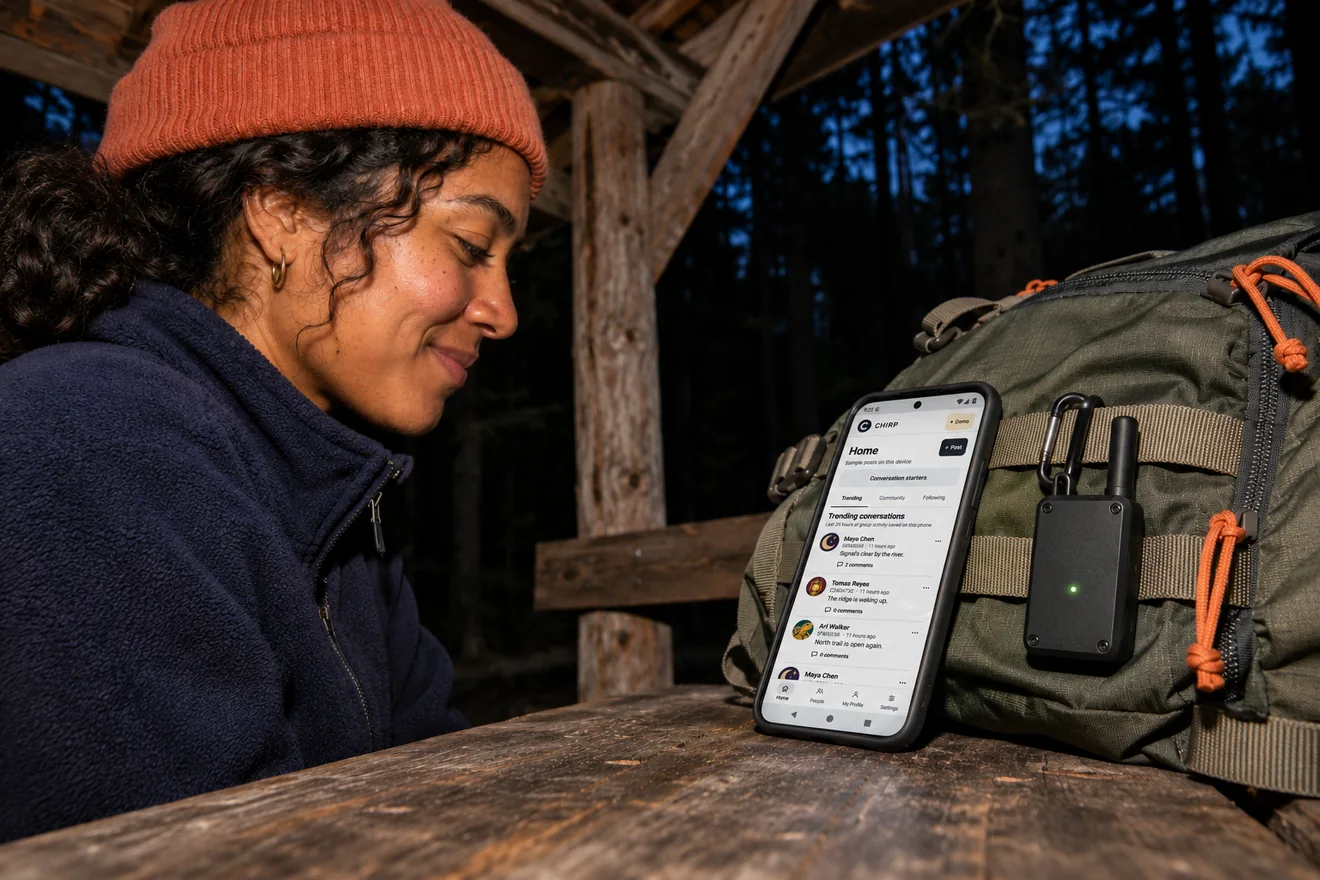
Let family know you made it, from a day on the trail to an evening without power.
Local culture
Talk about the places, events, and traditions that bring your neighborhood together.
Inside the app
Catch up.
Chime in.
Write a check-in, see it queue, and follow the replies as they arrive. Chirp keeps received posts on your phone so you can catch up offline.
How it works
Get set before an outage.
Install Chirp
Start with Android 13 or later. An iOS release is planned.
Pair a radio
Connect a MeshCore companion radio to send and receive posts.
Keep chats organized
Follow people you know and keep personal check-ins, local updates, and regional conversations organized in threads.

Download
Chirp for Android and iOS.
The public Android release is coming soon.
Coming soon Download APKVerify your download
SHA-256
iOS release planned.
Android 13+ · MeshCore companion radio for live traffic
Good to know.
Will Chirp work during a power blackout?
Chirp can send and receive without cell service or Wi-Fi. During a blackout, your phone, companion radio, and the MeshCore nodes carrying your posts need power. Try a check-in with the people you plan to reach before an outage.
Can I use Chirp without a radio?
You can read posts already saved on your phone and compose drafts. To send or receive over the mesh, pair a MeshCore companion radio.
Who can see my posts?
Chirp posts and replies are public. Anyone receiving them on your mesh can read them.